EN
EN ES
ESQR Codes 101: Everything You Need to Know
What Is a QR Code?
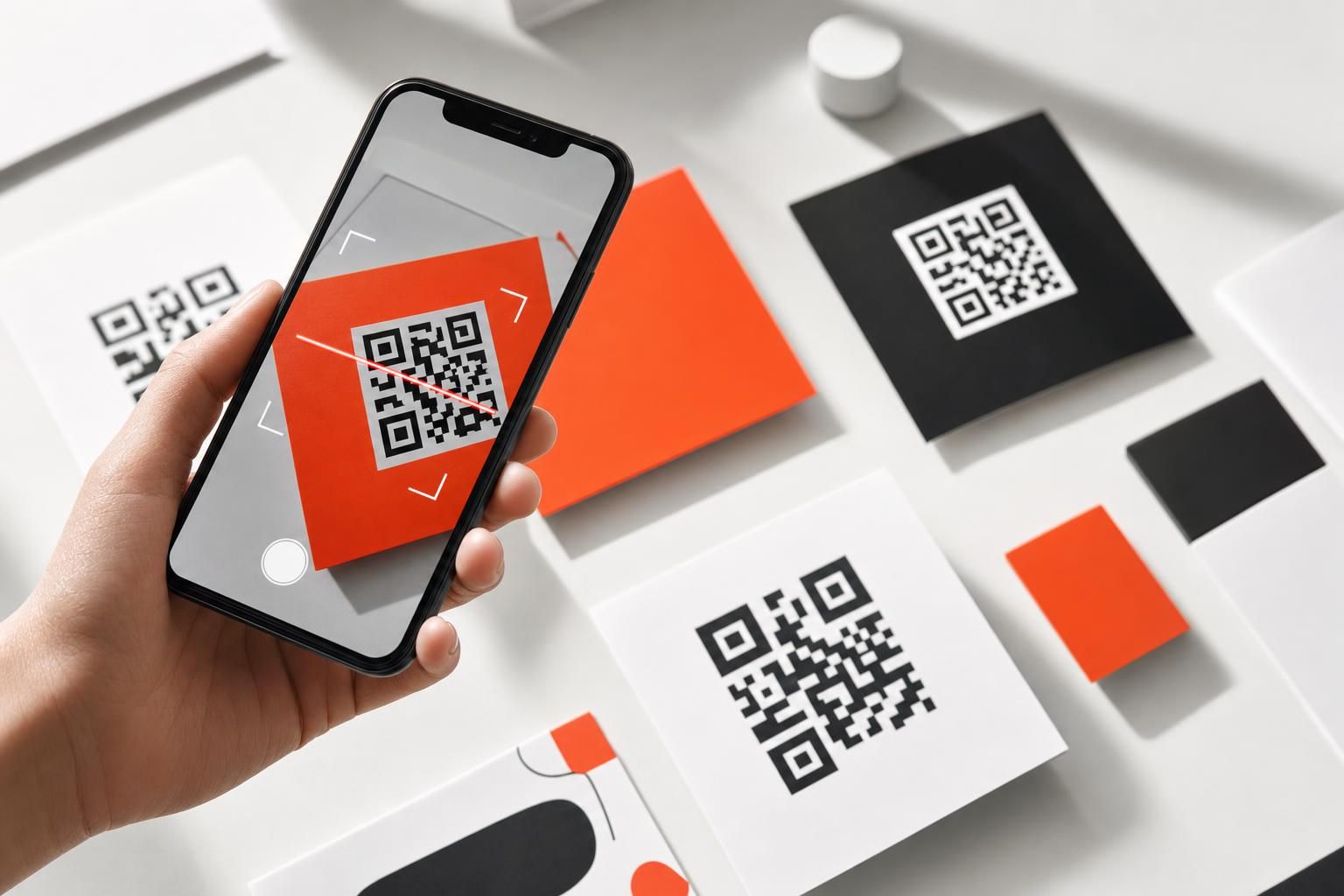
A QR code — short for Quick Response code — is a type of two-dimensional barcode that stores information in a grid of black and white squares. Unlike the traditional barcodes you see on grocery items, which can only hold a small string of numbers, QR codes can encode much more data: a website URL, a block of text, contact details, a Wi-Fi password, and more.
When someone points a smartphone camera at a QR code, the device reads the pattern instantly and takes an action — usually opening a link in a browser. No dedicated app is required on modern smartphones; the camera app handles it natively.
QR codes have become a familiar sight on restaurant menus, product packaging, event signage, business cards, and digital ads. Their appeal is simple: they bridge the physical world and the digital world in a single, frictionless scan.
How Do QR Codes Work?
At their core, QR codes are a visual encoding system. The grid of squares represents binary data, and a scanner (your phone's camera, in most cases) decodes that pattern back into readable information.
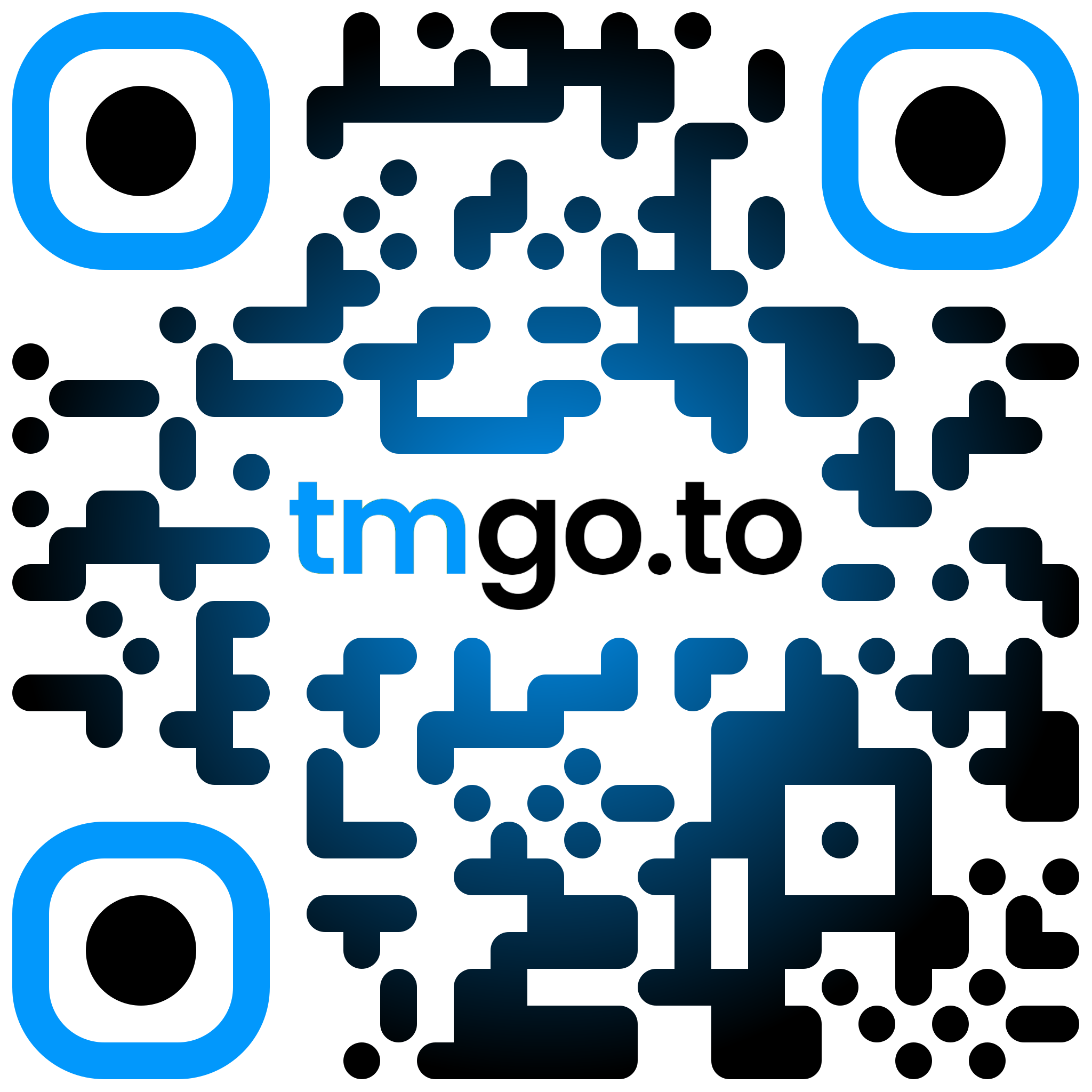
The code is made up of several distinct regions:
- Finder patterns — the three square shapes in the corners that tell your camera where the code begins and ends.
- Alignment patterns — smaller squares that help scanners read the code even when it's slightly distorted or viewed at an angle.
- Data modules — the individual black and white squares in the middle that encode the actual information.
- Quiet zone — a blank border around the outside that prevents surrounding design elements from interfering with the scan.
Because of this structure, QR codes are remarkably resilient. They can be scanned even when partially damaged or obscured, thanks to built-in error correction that reconstructs missing data.
Static vs. Dynamic QR Codes
This is one of the most important distinctions to understand before you start using QR codes for marketing or business purposes.
Static QR Codes
A static QR code has its destination baked directly into the pattern itself. The URL or data is permanently encoded in the squares. Once you print it on a flyer or packaging, it cannot be changed.
Static codes are perfectly fine for simple, permanent use cases — linking to a personal website that never changes, sharing a Wi-Fi password, or encoding contact details for a business card you print once.
The main limitation is exactly that: permanence. If the destination URL changes, or the page moves, the printed code becomes useless and you need to reprint everything.
Dynamic QR Codes
A dynamic QR code works differently. Instead of encoding the final destination directly, it encodes a short redirect URL. That redirect lives on a server, and the server sends the scanner to whatever destination you've configured — which you can update at any time, even after the code has already been printed.
This makes dynamic QR codes far more flexible for business use:
- Update the destination without reprinting. If a product URL changes or a campaign page moves, you update the redirect and every existing printed code automatically points to the new destination.
- Track scan data. Because every scan passes through the redirect server, dynamic codes can record how many times the code was scanned, when scans happened, and what devices were used.
- Run time-sensitive campaigns. You can point a code to a seasonal promotion, then redirect it to your main site once the campaign ends — all without touching a single piece of printed material.
For anyone using QR codes in marketing, on product packaging, or in any printed collateral that's expensive to reprint, dynamic QR codes are almost always the smarter choice.
What Can You Put Inside a QR Code?
QR codes are versatile. Common uses include:
- Website URLs — the most common use case by far.
- vCard contact details — name, phone, email, and address all in one scan.
- Wi-Fi credentials — let guests connect to a network without typing a password.
- Plain text — a short message or instructions.
- Email or SMS pre-fills — open a compose window with a subject and recipient already filled in.
- App store links — send users directly to an iOS or Android listing.
For marketing purposes, the URL is king. Whether you're pointing to a landing page, a product listing, a lead form, or a piece of content, a well-configured dynamic QR code pointing to a URL gives you both flexibility and trackability.
QR Code Design: Does It Have to Be Black and White?
The short answer is no. While the classic QR code is a stark black-and-white grid, you can customize the colors as long as there is sufficient contrast between the dark modules and the light background. A code with very low contrast — say, light grey on white — will often fail to scan reliably.
Beyond color, many QR code generators also allow you to add a logo or icon in the center of the code. This works because of the error-correction capability mentioned earlier: the code can reconstruct a small portion of missing or obscured data, so a centered logo doesn't break the scan as long as it doesn't cover too much of the grid.
Branded, visually appealing QR codes tend to attract more scans than plain ones, because they look intentional and trustworthy rather than like a default placeholder.
Tracking and Analytics: Why They Matter
One of the biggest advantages of dynamic QR codes over static ones is the ability to measure performance. Scan tracking turns a passive printed asset into a measurable marketing channel.
Useful data points that dynamic QR code platforms can capture include:
- Total scan count — how many times the code has been scanned overall.
- Unique scan count — how many individual devices have scanned it, which gives a better sense of reach.
- Scan date and time — useful for understanding when engagement peaks.
- Device type — whether scanners are on iOS, Android, or other platforms.
This kind of data lets you evaluate whether a physical placement — a poster, a product label, an event badge — is actually driving traffic, and make informed decisions about future campaigns.
Common Mistakes to Avoid
Even a well-designed QR code can underperform if a few basics are overlooked.
Printing too small. A QR code that is too small to scan comfortably creates friction. As a general rule, the more complex the encoded data, the larger the code needs to be for reliable scanning.
Not testing before printing. Always scan your code with multiple devices before committing to a print run. What looks correct on screen can sometimes fail in the real world due to color contrast issues or file format problems.
Sending scanners to a non-mobile-friendly page. Almost everyone who scans a QR code is doing so on a smartphone. If the destination page isn't optimized for mobile, you'll lose most of the people who make the effort to scan.
Using a static code where you need flexibility. If there's any chance the destination might change, or if you want to track scans, start with a dynamic code. Switching later means reprinting.
No call to action. A QR code sitting alone on signage without context often goes unscanned. A simple phrase nearby — "Scan to learn more" or "Scan for today's menu" — meaningfully improves engagement.
How Dynamic QR Codes Fit Into a Broader Marketing Stack
QR codes rarely work in isolation. In a well-structured marketing setup, they connect physical touchpoints to digital destinations and feed data back into your analytics.
For example, a dynamic QR code on product packaging can link to a landing page with a lead capture form, letting you collect names and emails from customers who are already holding your product. Because the scan passes through a redirect, you can attribute that lead back to the specific code that drove it — meaning you know which packaging design or placement generated the most interest.
When combined with branded short links, the experience becomes even more cohesive. Instead of a generic redirect URL appearing in the browser bar after a scan, visitors see a clean, recognizable branded domain — which reinforces trust and keeps your brand front and center throughout the journey.
Getting Started With QR Codes
If you're new to QR codes, the barrier to entry is low. Here's a simple path forward:
- Decide what you want the code to do. In most marketing cases, this means sending someone to a URL — a product page, a landing page, or a piece of content.
- Choose dynamic over static if there's any possibility you'll want to update the destination or measure performance.
- Customize the design so it fits your brand — adjust colors and consider adding a logo, while keeping contrast high enough for reliable scanning.
- Test on multiple devices before finalizing any print material.
- Add a clear call to action near the code so people know why they should scan it.
- Monitor scan data after launch and use it to inform future placements and campaigns.
QR codes are one of the more underrated tools available to marketers and business owners. When set up thoughtfully, they turn every piece of printed material into a measurable, updatable, and trackable channel — without requiring any extra effort from the person scanning.